
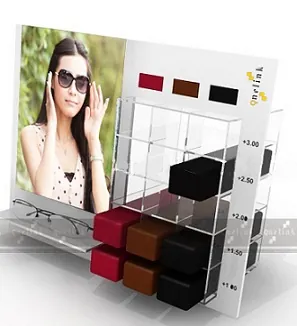
POP Display Buying Guide for Retail Buyers
What to specify what to ask a display supplier and how to avoid the errors that make a POP order arrive wrong.
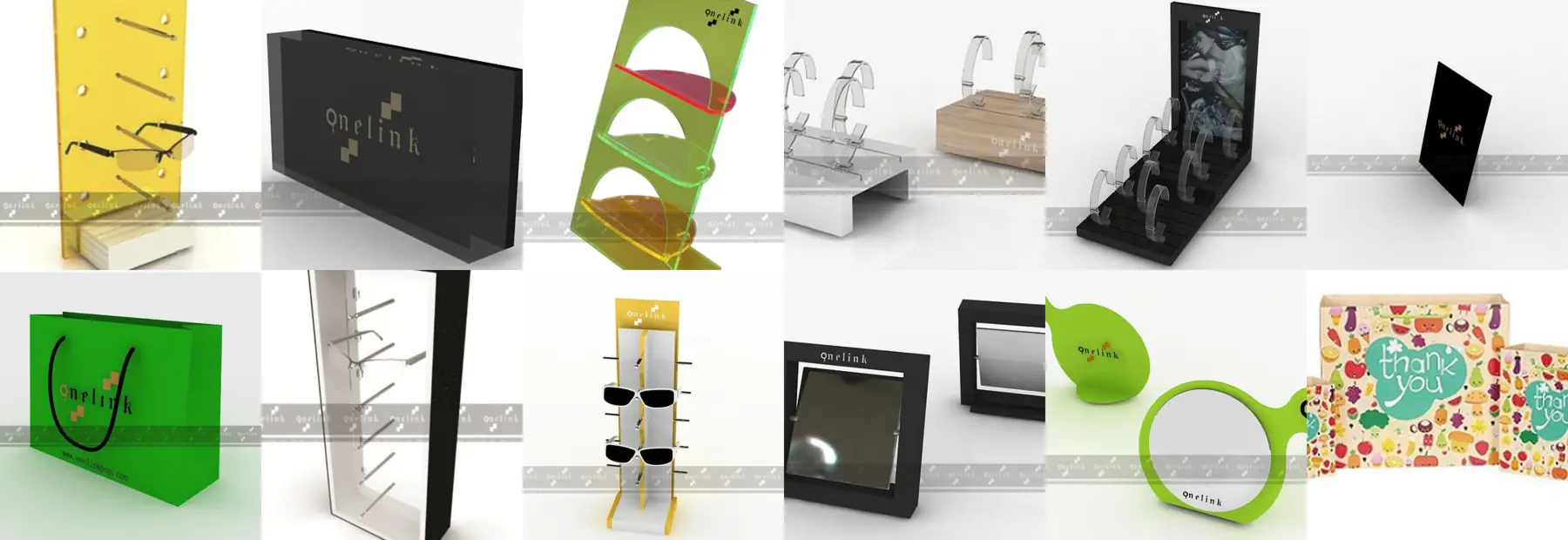
POP Display Buying Guide for Retail Buyers
What to specify what to ask a display supplier and how to avoid the errors that make a POP order arrive wrong.
Specify the Product Before the Display
Almost every display problem traces back to a missing product dimension. Before anything else, record the height width and depth of the item the display has to hold, and the number of facings you need. A display quoted without those numbers is a guess.
Specify the Space
Counter depth, clear height above the counter and shelf height inside a showcase all constrain what can physically be used. Measure them at a real store rather than reading them off a plan.
Split Permanent From Campaign
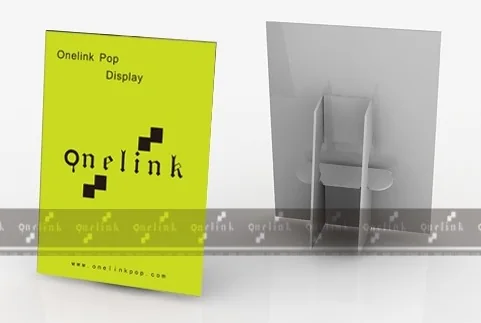
Order the fixtures that stay separately from the items that change. Fixtures are an acrylic decision. Campaign structures counter cards and banners are print decisions on a shorter cycle.
Ask the Right Questions
- Which material is this model produced in and is the size recorded
- Is the structure an existing model or does it need development
- Can a sample be approved before the run
- How is the item packed and can it be packed per store
- Can the display counter card banner and bag be produced together for colour consistency
Do Not Assume a Specification
Where a material or a size is not recorded, ask for it in writing rather than assuming it from a photograph. On the ONELINK POP product pages sizes and materials are shown for the models where they are recorded, and where they are not the page says so.
Order the Set Together
The single cheapest quality improvement in a POP programme is ordering the display the counter card the bag and the banner from one factory. Colour matching across suppliers is the problem that eats the most time and the most reprints.
Models Referenced in This Guide
15_PCC_24Counter Card, Show card →
15_009_ELB_A01Logo BlockAcrylic · 120x70x20mm →
Related Categories
- Counter Card (3 models)
- Banner (3 models)
- X-Frame Banner (1 models)
- Logo Block (10 models)
Related Applications
- Optical and Eyewear Retail
- Watch and Jewellery Retail
- Cosmetics and Beauty Retail
- Trade Shows and Promotions
More Guides
- Acrylic vs Paper Displays
- Display Materials Guide
- Printing Process Guide
- Eyewear Display Design Guide
Questions on This Topic
What information does a supplier need to quote
Should we ask for a sample
Why order the whole POP set from one factory
Still Deciding on a Format
Send your product dimensions and counter space and the team will point you at the range that fits.
Tell Us What You Need
Send your specification, quantity and destination port. Our engineers reply with a technical proposal and a confirmed lead time.